AI contact enrichment: job title, company and phone, filled in for you
Add a contact with just an email address and the AI fills in the rest — title, company, seniority, phone — and checks the address works before anything is sent to it.
Most contacts arrive half empty: an email address from a form, a name from a calendar invite. Somebody has to look them up before they're useful.
In Outsales the AI does that lookup for you, at the moments it matters, and writes what it finds on the contact.
The problem
- Contacts with an email and nothing else.
- Minutes on LinkedIn for every new lead.
- Emails sent to addresses that bounce.
- No idea whether you're talking to an intern or the person who signs.
How Outsales does it for you
01Add a contact with a business email
Create a contact by hand, or let one arrive from a meeting. As soon as it has a company address, the AI goes to work on it.
02The AI fills in the gaps
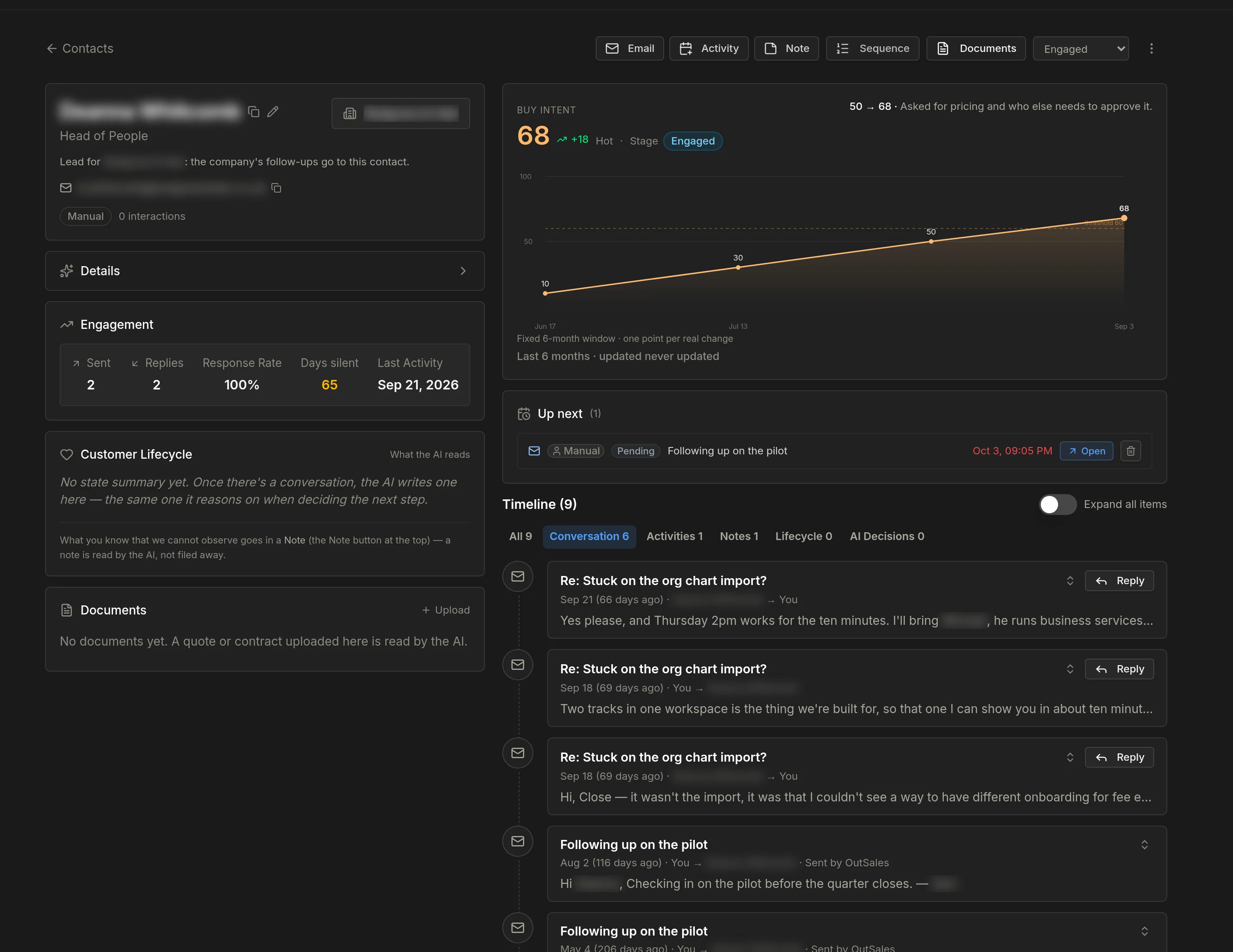
Job title, company, seniority and phone appear under Details on the contact page. The contact is also placed in its company, so colleagues end up together.
03It checks the address before you write
An address that doesn't work is caught before the first email, not after a bounce. The contact is marked so nobody keeps writing to it.
04What you type always wins
Every field stays editable. If you correct a title by hand, a later lookup never overwrites it.
What you get
Complete contacts
Every lead arrives with who they are and where they work.
Fewer bounces
Bad addresses are caught before anything is sent.
Better emails
The AI writes to a person whose role it knows.
Questions
Does it enrich gmail or outlook addresses?
No. A personal address doesn't say where someone works, so the AI skips it unless the contact has a LinkedIn profile.
Can I approve each enrichment first?
Yes. It can run on its own or ask you first, and you can switch it off entirely.
Stop writing follow-ups. Start closing.
Free to start, manual forever. Turn on AI when you want it.
Start for free