AI follow-ups for Pipedrive and HubSpot: keep your CRM, let the AI do the chasing
Connect Pipedrive or HubSpot and your contacts, companies and open activities come into Outsales, where the AI writes and sends the follow-ups. Your CRM only gets the result.
You don't have to leave your CRM to get AI follow-ups. Connect it once, and Outsales picks up the leads and the activities you already have.
The AI does the chasing in Outsales. Your CRM stays clean: it only hears that a follow-up was sent.
The problem
- Follow-up tasks piling up in the CRM, overdue.
- Copying context from the CRM into every email.
- Tools that flood the CRM with notes and fields nobody asked for.
- Switching between two apps to know where a lead stands.
How Outsales does it for you
01Connect your CRM
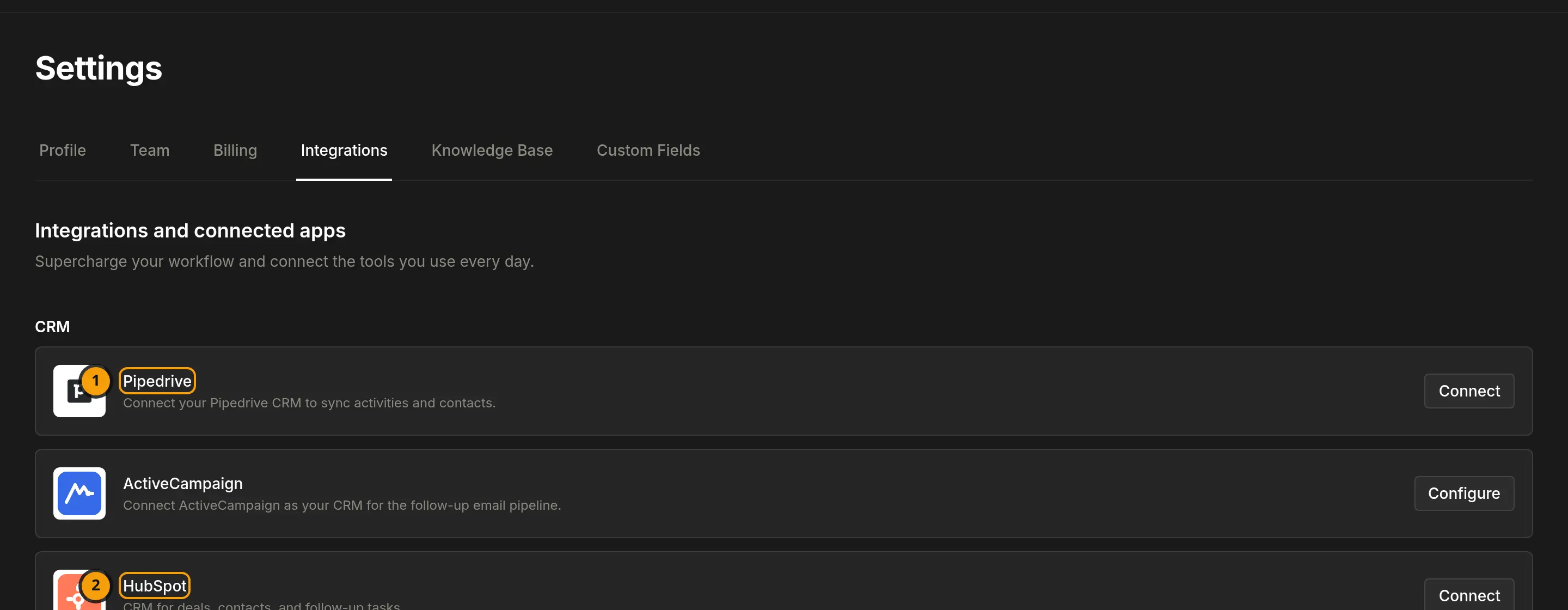
In Settings → Integrations, connect Pipedrive with your API token or HubSpot with a private app. No marketplace approval is needed.
02Choose what to bring in
Only the open activities and the contacts behind them, which is enough to run follow-ups, or the whole CRM. You can realign the two sides any time.
03The AI writes and sends the follow-ups
Each open activity becomes a follow-up the AI writes from the conversation and sends from your mailbox, when the lead needs it.
04Your CRM gets the result, nothing else
When a follow-up goes out, its task is marked done and the email is logged. The next follow-up is planned inside Outsales, not as another task in your CRM.
What you get
No migration
Keep the CRM your team already uses.
A clean CRM
No new fields, no AI opinions written into your records.
Overdue tasks disappear
The AI clears them by actually following up.
Questions
Can Outsales write new contacts back to my CRM?
Only if you turn that on. Then contacts you create in Outsales, and changes to their name, phone or title, are written back — with your approval by default.
Can I connect more than one CRM?
One workspace connects one CRM.
Stop writing follow-ups. Start closing.
Free to start, manual forever. Turn on AI when you want it.
Start for free