AI outbound campaigns: from a list of companies to emails worth replying to
Give Outsales a list of companies. The AI keeps the ones that fit, finds the right people with verified emails, researches each company and writes every email.
Outbound usually means a spreadsheet of companies, an afternoon of guessing who to write to, a contact tool that returns half bounced addresses, and one template sent to everyone.
Outsales turns that into one campaign. You bring the companies and say who you want to reach. The AI does the sorting, the finding, the research and the writing.
The problem
- Most lists contain companies that will never buy.
- Guessed email addresses bounce and hurt your sender reputation.
- One template for everyone reads like one template for everyone.
- Researching each company by hand doesn't scale past a few a day.
How Outsales does it for you
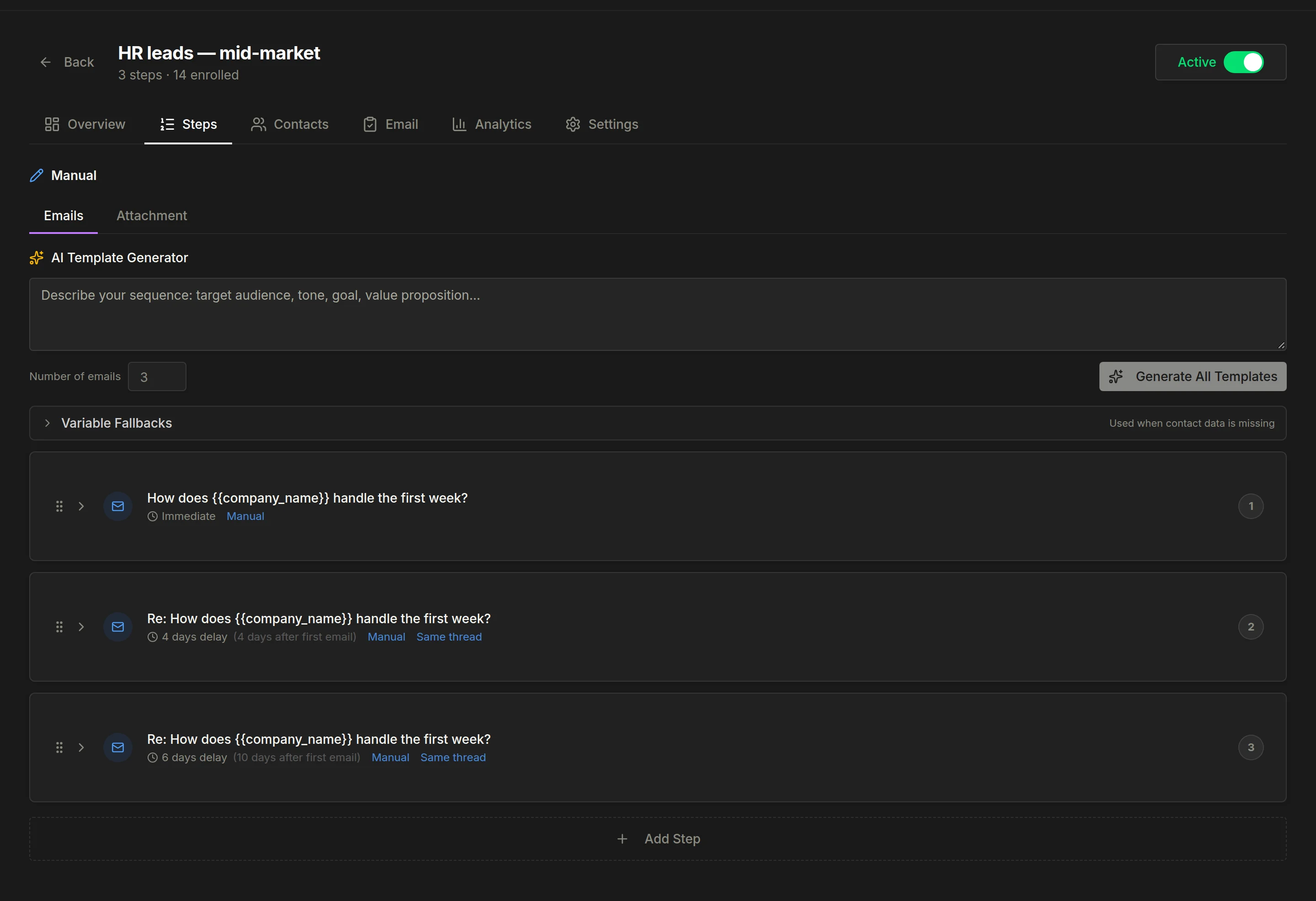
01Describe the campaign once
Confirm your company website and Outsales reads it to fill in what you sell, who it's for and the problem it solves. You check the answers, pick the roles you want to reach, how many emails and how far apart. The AI turns that into an instruction for each email.
02Import the companies
Upload a list of company websites. Companies that are already your customers or already in your CRM are left out, so nobody gets a cold email from you twice.
03The AI keeps the companies that fit
It reads each company's website and checks it against your criteria. The ones that don't fit are set aside with the reason written down, so you can see why.
04It finds the right people, with real addresses
For each company that fits, Outsales looks for people in the roles you chose and keeps only email addresses that have been verified. A guessed address is never written to.
05Each email starts from something true about them
Before writing, the AI looks for something recent about the company, and optionally the person: a launch, a hire, an event. If it finds nothing worth mentioning, it writes without it rather than inventing.
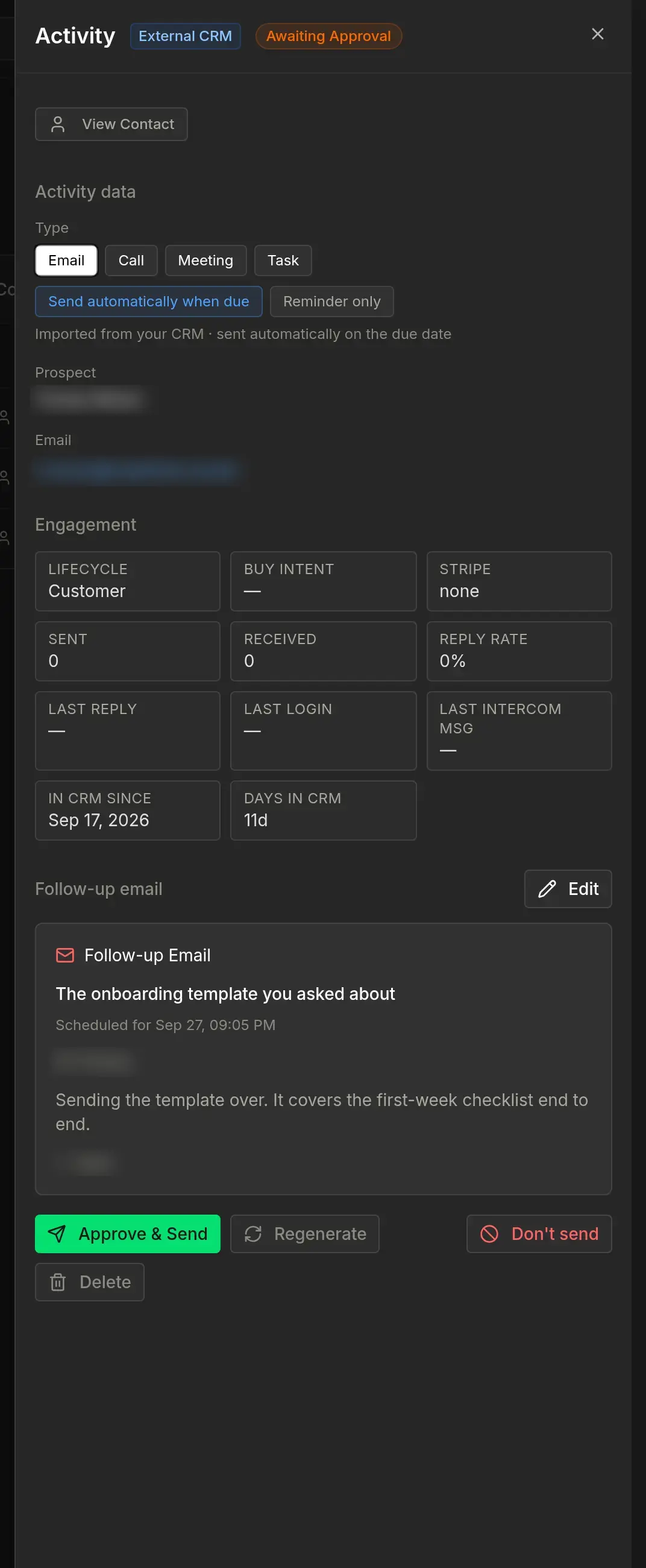
06You approve, or you let it run
With approval on, every email waits for you in Activities. Turn it off and emails go out on their own, paced to what your mailbox can safely send during working hours.
What you get
Fewer bounces
Only verified addresses are contacted.
Emails that read like research
Each one opens on something specific to that company.
No wasted sends
Companies that don't fit, and the ones you already work with, never get an email.
Questions
What happens when someone replies?
The campaign stops for that person straight away, and the reply shows up on their contact.
Can I write the emails myself?
Yes. A campaign can use your own templates, which is free, or let the AI write each email.
How is it priced?
The AI SDR plan is priced on how many people the campaigns contact each month.
Stop writing follow-ups. Start closing.
Free to start, manual forever. Turn on AI when you want it.
Start for free