Talk to an AI that knows everything about your customer
On every contact, ask the AI anything: where the deal stands, what they asked on the last call, whether the trial is still running. It answers from your real data, and drafts the email too.
Before writing to a customer, a rep scrolls: the last emails, the call notes, the trial status, the notes a colleague left. It's like asking around the office who knows this account.
In Outsales you ask the AI. It has read everything about that customer, and it says so when it doesn't know.
The problem
- Answering "where are we with this account?" takes ten minutes of scrolling.
- Generic AI chats don't know your customers and make things up.
- Drafting a reply means copying context from four places.
How Outsales does it for you
01Open the assistant on a contact
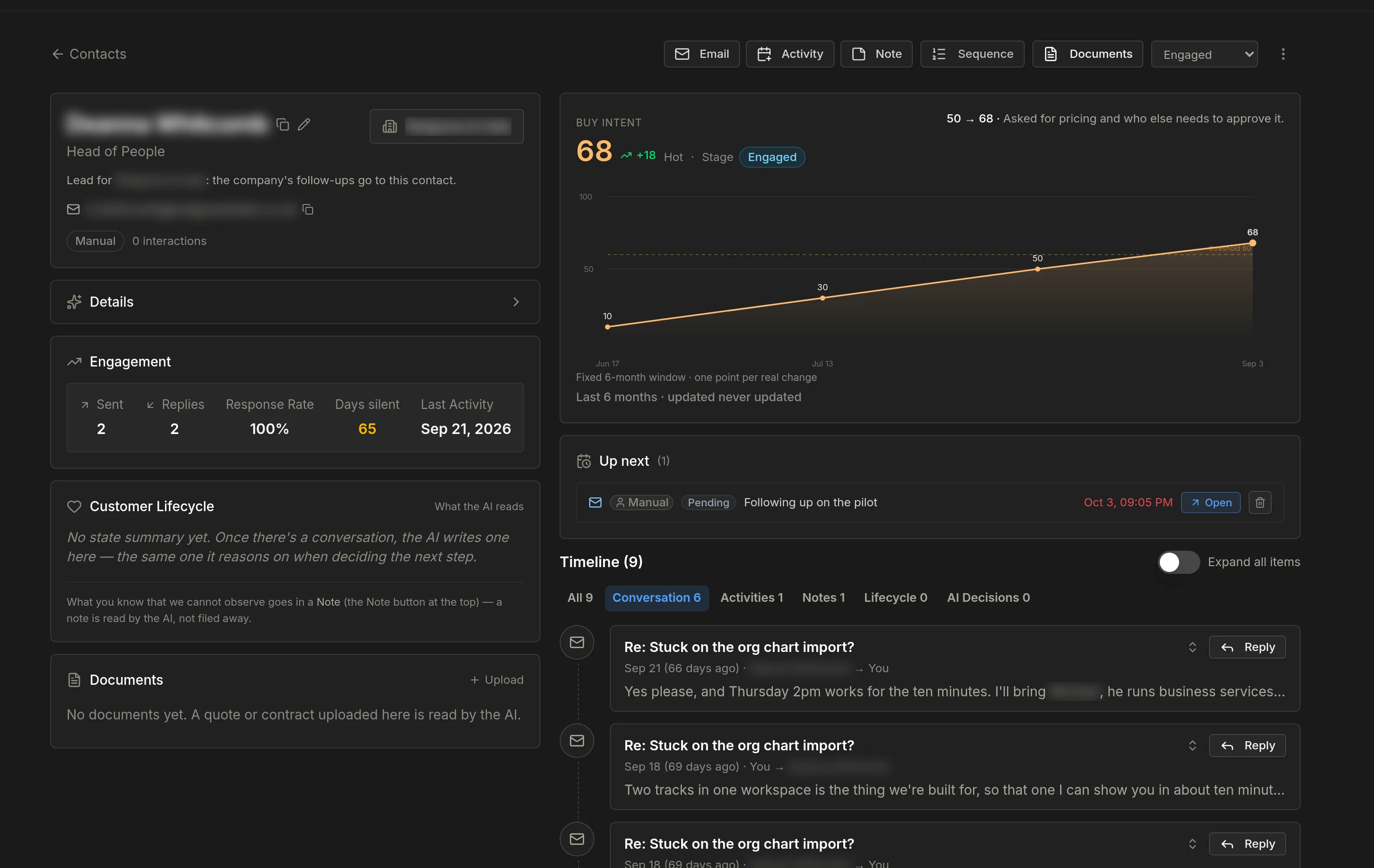
On the contact page, open the AI Assistant tab. It already knows which customer you mean: you never have to say who.
02Ask what you'd ask a colleague
"Where are we with this account?", "What did they ask for on the last call?", "Is their trial still running?". It answers from the emails, notes, meeting transcripts, Stripe, product usage, buy intent and status.
03It doesn't invent
A trial or a subscription only comes from Stripe, product usage only from Intercom. If a source isn't connected, it says so. What you wrote to the customer is never taken as proof of what they think.
04It drafts the email
Ask it to reply to their last email, write a follow-up or a new message. It writes from the whole conversation and gives you a draft to send, save or edit. A person always sends it.
What you get
Answers in seconds
No more scrolling to rebuild an account's history.
Grounded in your data
It answers from what Outsales holds, not from guesses.
From question to email
Ask, then ask it to write the reply.
Questions
Does it send emails on its own?
No. It prepares a draft; a person sends it.
Are conversations saved?
Yes. Coming back to the same contact, you can resume the chat.
Is it available on every plan?
It's part of the AI CRM plan, and is being enabled workspace by workspace. Ask us if you don't see it.
Stop writing follow-ups. Start closing.
Free to start, manual forever. Turn on AI when you want it.
Start for free