Stop thinking about follow-ups: AI writes and sends them for you
Outsales decides when every lead needs a follow-up, writes it from the whole conversation and sends it from your mailbox. Your reps stop chasing and spend the time closing.
Ask a rep where the day went and the answer is usually the same: following up. Checking who didn't reply, deciding when to write again, finding the last email, writing something that isn't "just bumping this up". It is the most repetitive part of the job and the one that eats calls and new leads.
With Outsales your reps don't do follow-ups any more. Not with reminders, not with templates. The AI does them.
The problem
- Follow-ups live in the rep's head and in a pile of CRM reminders nobody trusts.
- Every follow-up means re-reading the thread to remember where things stand.
- Templates sound like templates, so prospects stop answering.
- The busiest week is when follow-ups slip, and that's when deals go cold.
How Outsales does it for you
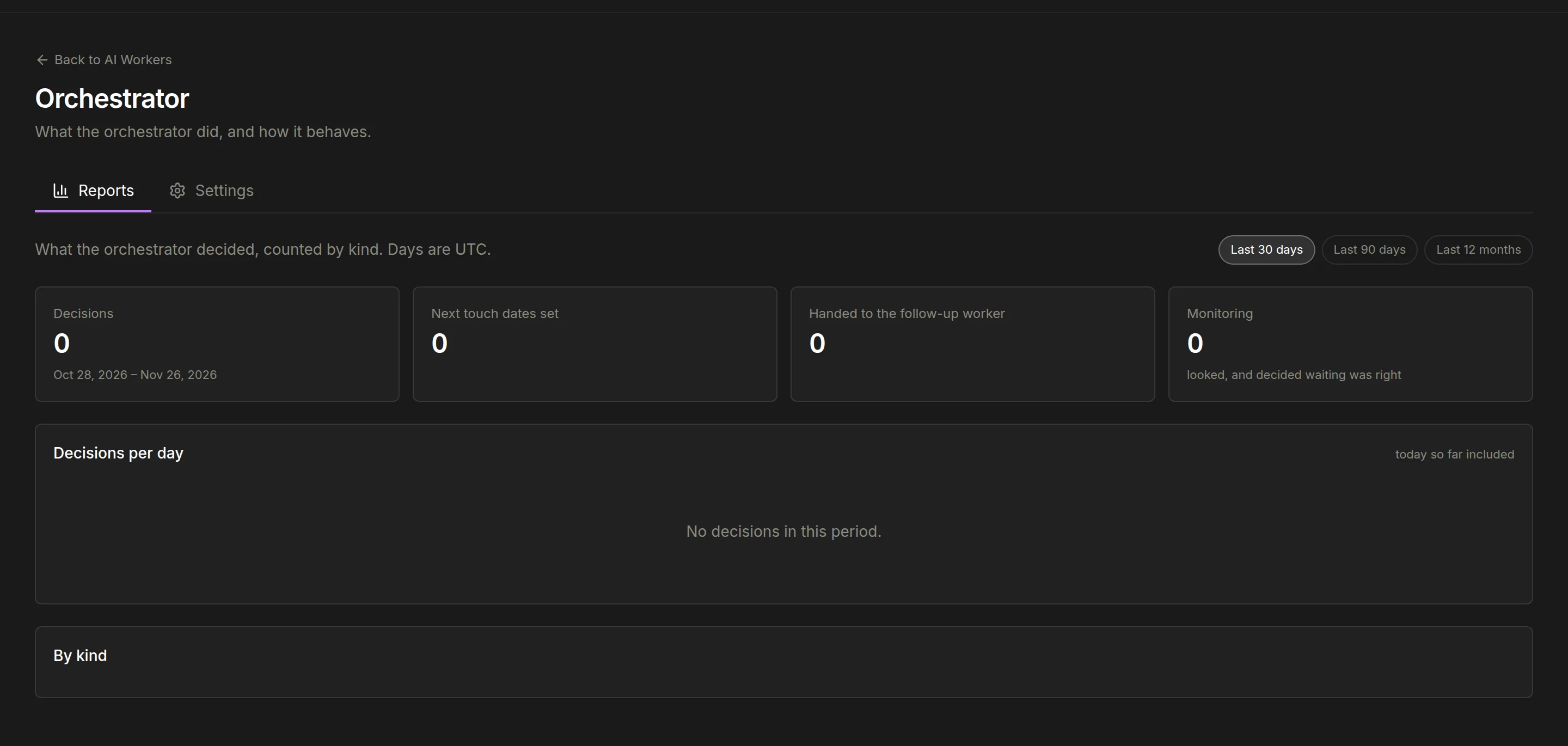
01The AI decides when each lead needs a follow-up
Every time something real happens to a contact (a reply, an email sent, a meeting, a payment, a trial ending), Outsales decides what comes next and picks the day. It weighs how engaged the lead is and what the conversation still owes: a quote you sent, a question they asked, a call they missed. Every decision comes with its reason.
02It writes the email from the whole conversation
On the day, the AI writes the follow-up from the full email thread, what was said on the last call and your company's material. It answers what they asked, picks up where you left off and never invents a price or a link it doesn't have.
03It sends it from your mailbox, in the same thread
The email goes out from your own Gmail or Outlook, as a reply in the existing thread, only inside your sending hours and at a pace your mailbox can take. Your signature is added. To the prospect it is an email from you.
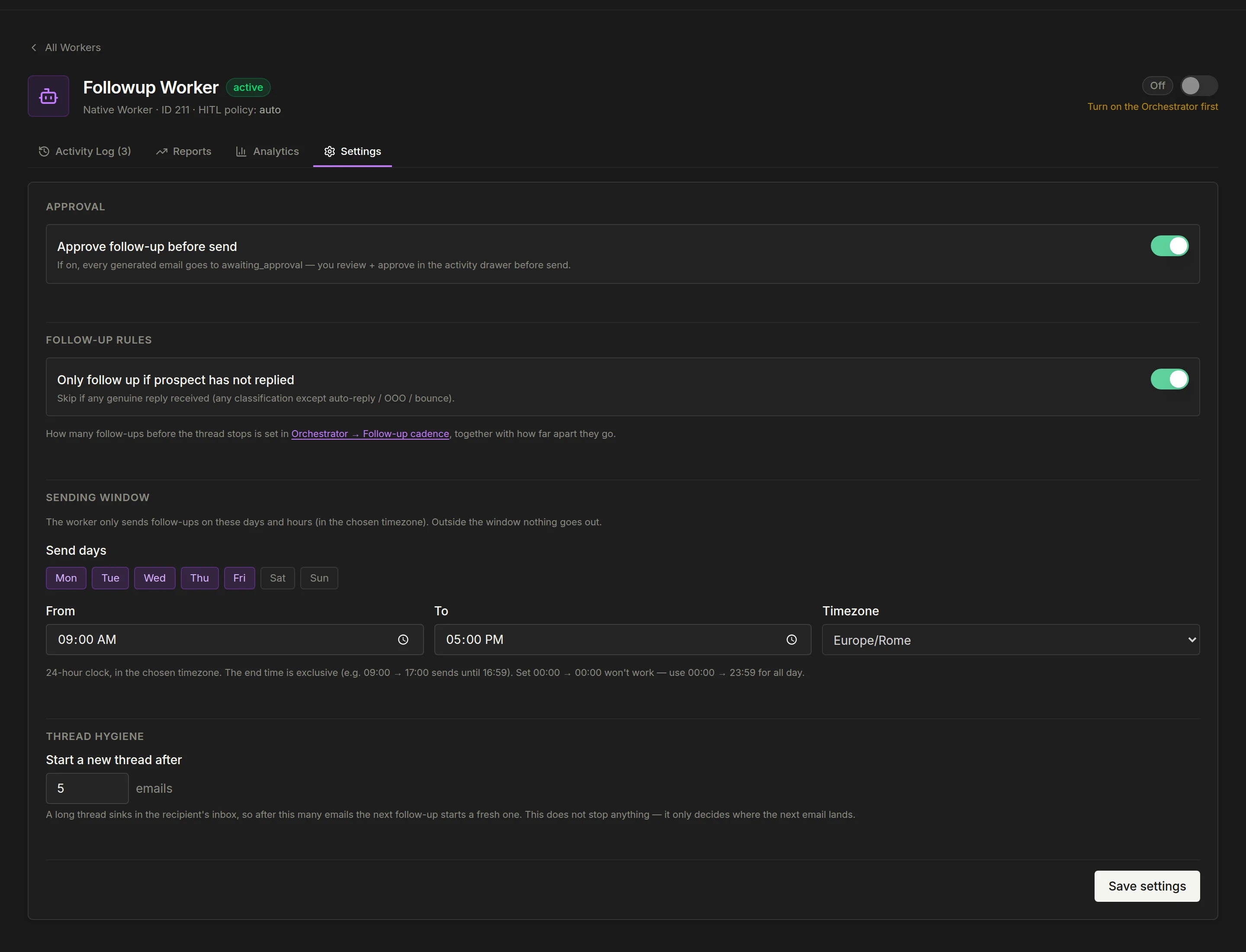
04It stops when it should
A reply moves the next follow-up instead of firing a reminder over it. A customer, someone who asked not to be written to or an address that bounces never gets another email. And when a lead has gone quiet for good, the AI proposes closing it instead of writing forever.
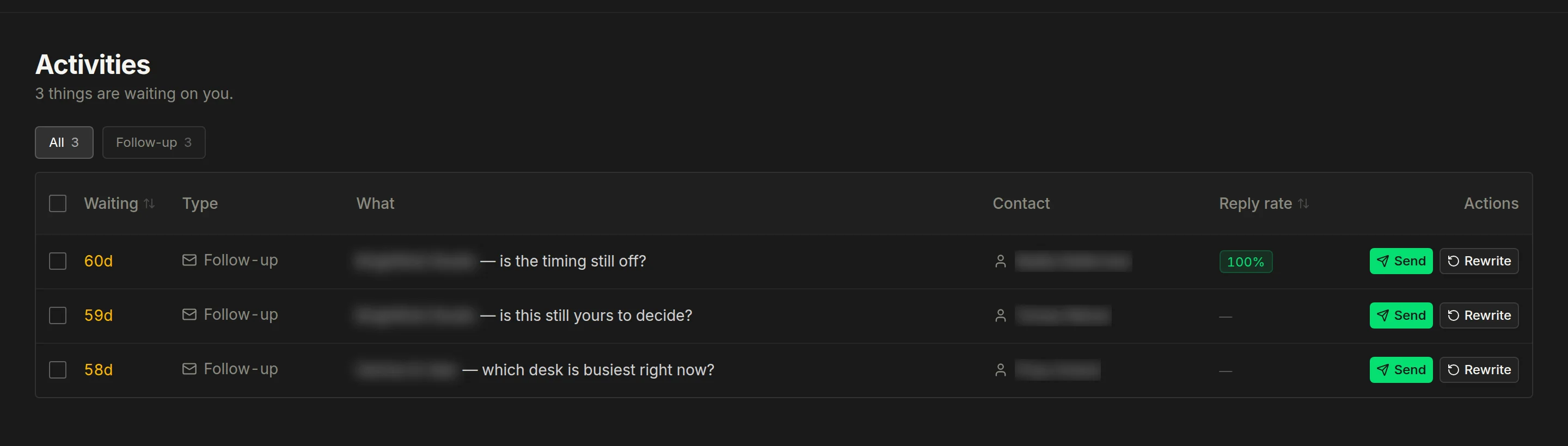
05You only see what needs you
Everything waiting for a person sits in one queue: an email to approve, a lead the AI wants to close, a question it can't answer alone. While you build trust, every email waits for your OK. When you're ready, turn approval off and follow-ups leave on their own.
What you get
Zero follow-ups to remember
No reminders, no lists, no Friday catch-up. Every lead in play has its next email planned.
Emails that sound like you
Written from the real conversation, sent from your mailbox, in the thread the prospect already knows.
Time back for selling
The hours that went into chasing go into calls and new leads.
Nothing slips in a busy week
The AI works the same on the day you have ten calls as on the day you have none.
Questions
Will the AI write to everyone, all the time?
No. It writes when something happened or when the conversation is due, within the cadence you set, and stops for customers, bounced addresses, people who asked not to be contacted and leads that are done.
Do I have to approve every email?
Only at the start, if you want to. Approval is on by default; you turn it off when you trust what it writes.
Which mailboxes does it work with?
Gmail and Outlook, plus any mailbox you can connect with SMTP and IMAP on the free plan.
Does it replace my CRM?
It can, or it can sit next to Pipedrive or HubSpot and work the contacts and open activities that come from there.
Stop writing follow-ups. Start closing.
Free to start, manual forever. Turn on AI when you want it.
Start for free