Connect your own tools to the AI CRM with the Outsales API
Push contacts, notes, activities and documents into Outsales from your website, Zapier or Make, enrol people in campaigns, and let the AI take it from there.
Leads come from everywhere: your website forms, events, other apps. The API lets them land in Outsales the moment they arrive.
Once a contact is in, it goes through the same automation as any other: scored, enriched, followed up.
The problem
- Form leads sitting in a spreadsheet until someone imports them.
- Copying contacts between tools by hand.
- Context from other systems that never reaches the salesperson.
How Outsales does it for you
01Create an API key
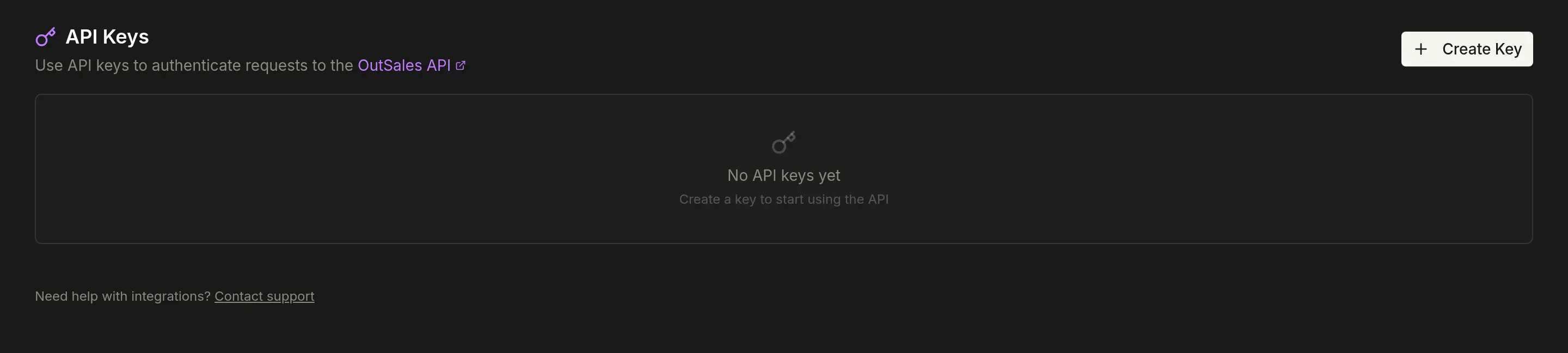
In Settings → Integrations, under API Keys, create a key and name it after what uses it. Copy it straight away: it's shown only once.
02Send contacts and context
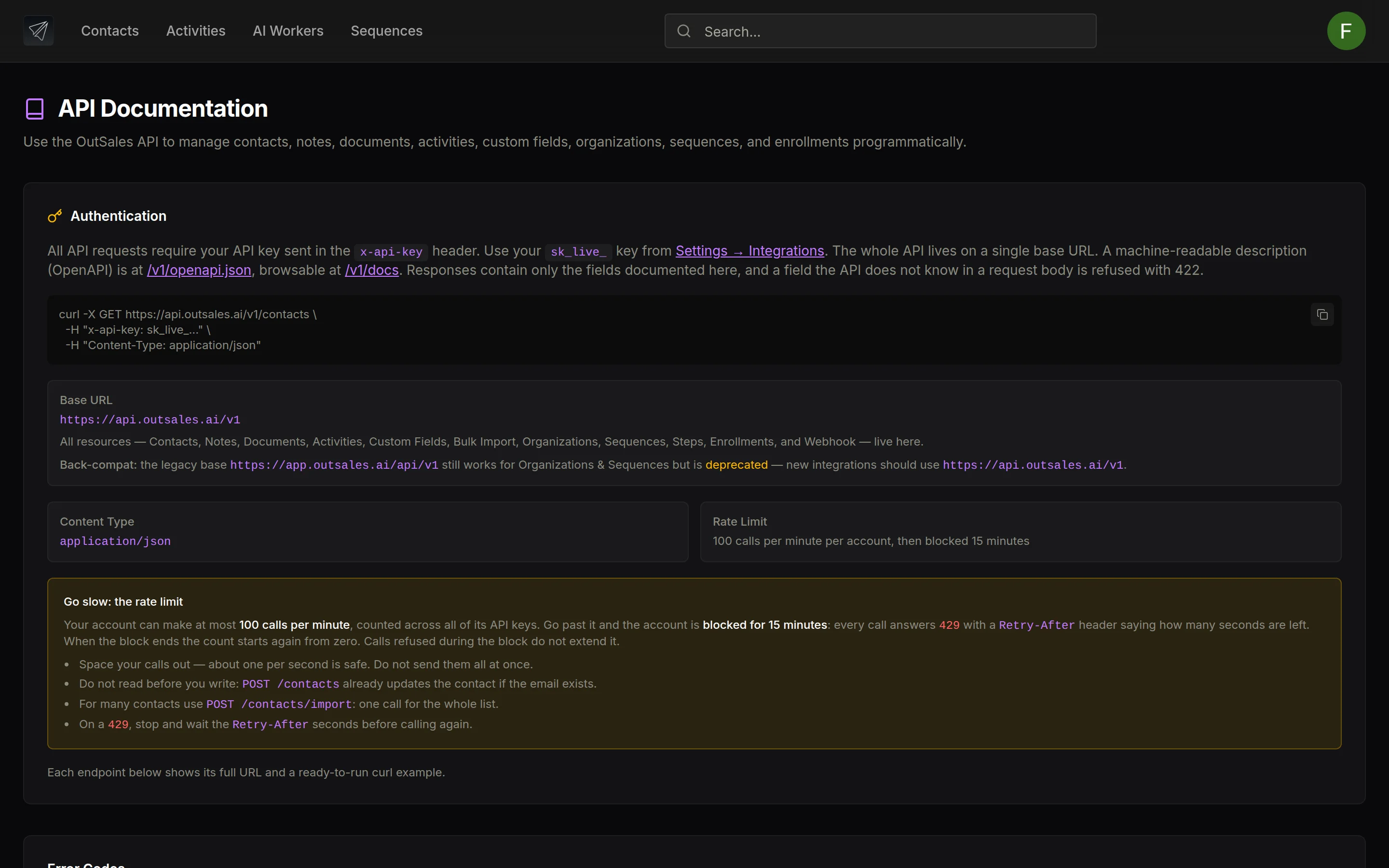
Create or update contacts, add notes, activities and documents, put a contact in a company, import a list in one call.
03Enrol people in campaigns
Add contacts to a campaign from your own tools, and the campaign takes it from there.
04The AI does the rest
A contact created through the API is scored, grouped into its company and followed up like any other.
What you get
Leads arrive instantly
No exports, no imports, no waiting.
One place for context
Notes and documents from other tools reach the AI.
Works with no-code tools
Zapier, Make or your own scripts.
Questions
Is there a rate limit?
Yes. Space your calls out, and use the bulk import for big lists. The documentation gives the exact limit.
Who owns contacts created through the API?
The account holder. You can change the owner on the contact page.
Stop writing follow-ups. Start closing.
Free to start, manual forever. Turn on AI when you want it.
Start for free